mirror of
https://github.com/10h30/ultimatemember.git
synced 2026-07-12 11:16:35 +09:00
 Yurii Nalivaiko
797bc2fd98
Yurii Nalivaiko
797bc2fd98
git-subtree-dir: includes/lib/action-scheduler
git-subtree-split: c828347715e6c3318c8ab8b4fea2d87b31d51aac
912 B
912 B
description
| description |
|---|
| Learn how to administer background jobs with the Action Scheduler job queue for WordPress. |
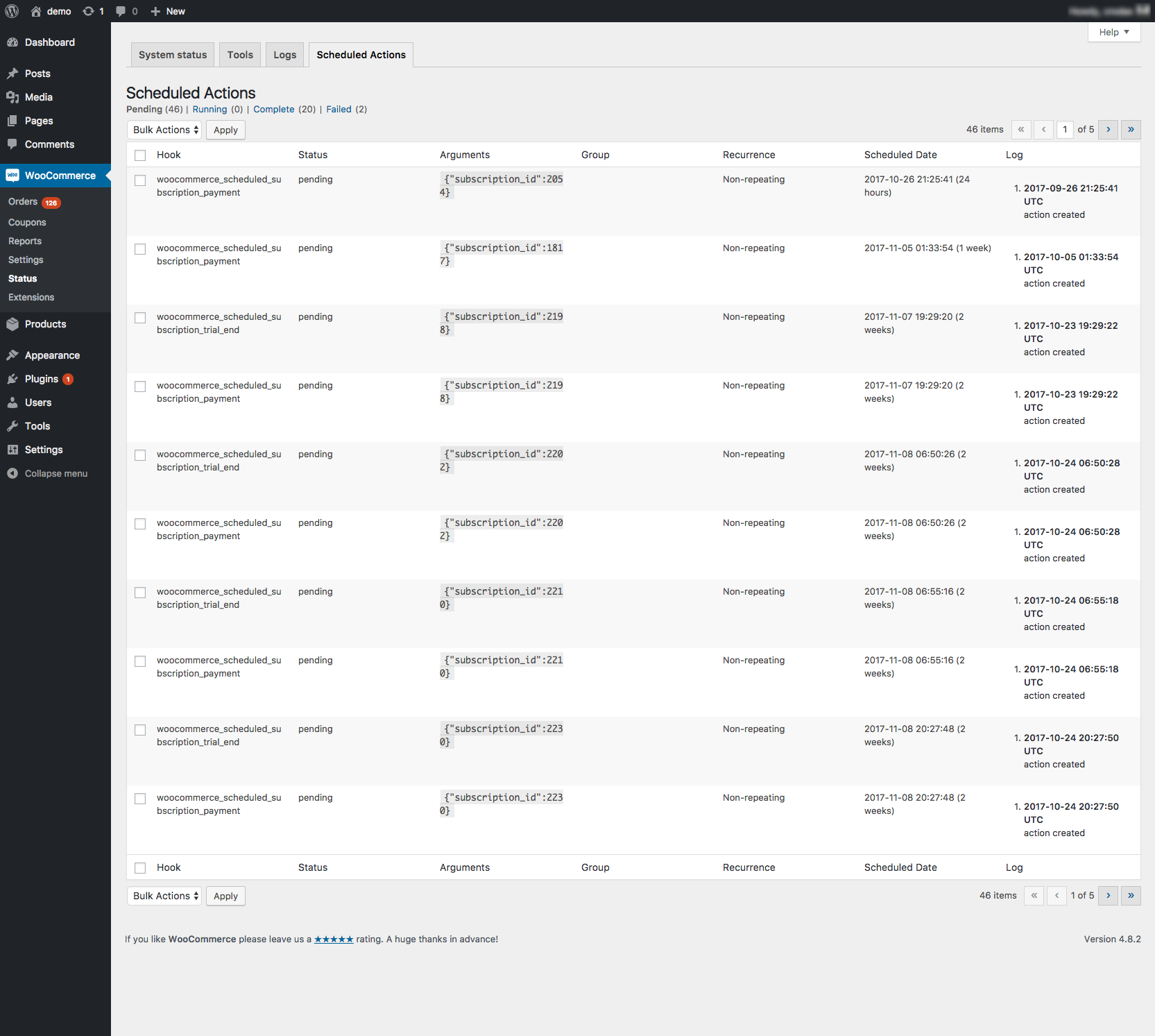
Scheduled Actions Administration Screen
Action Scheduler has a built in administration screen for monitoring, debugging and manually triggering scheduled actions.
The administration interface is accessible through both:
- Tools > Scheduled Actions
- WooCommerce > Status > Scheduled Actions, when WooCommerce is installed.
Among other tasks, from the admin screen you can:
- run a pending action
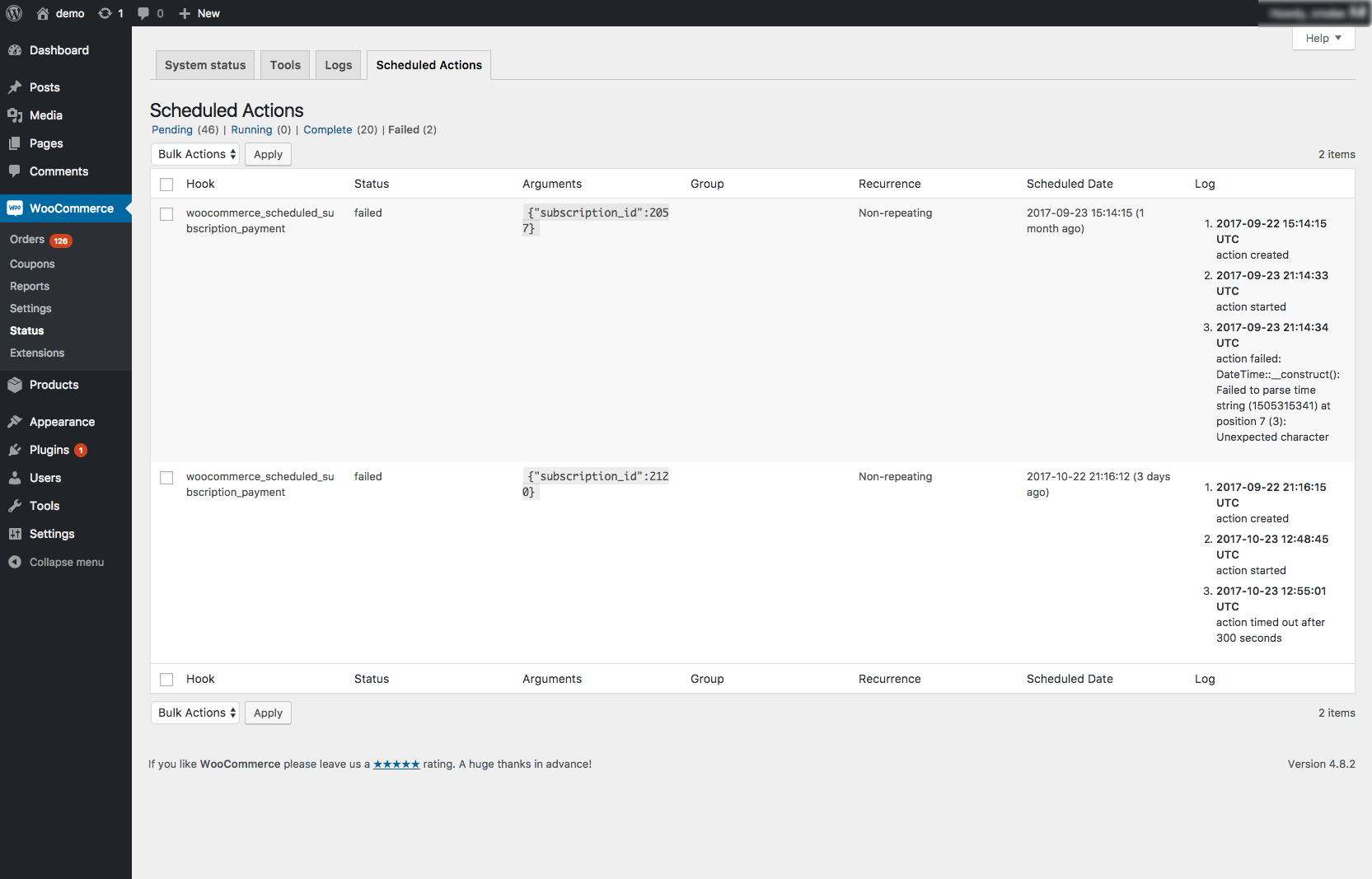
- view the scheduled actions with a specific status, like the all actions which have failed or are in-progress (https://cldup.com/NNTwE88Xl8.png).
- view the log entries for a specific action to find out why it failed.
- sort scheduled actions by hook name, scheduled date, claim ID or group name.
Still have questions? Check out the FAQ.