mirror of
https://github.com/10h30/endeavouros-i3wm-setup.git
synced 2026-07-17 21:53:15 +09:00
 Johannes Kamprad
36 lines
1.2 KiB
Markdown
36 lines
1.2 KiB
Markdown
# endeavouros-i3wm-setup
|
|
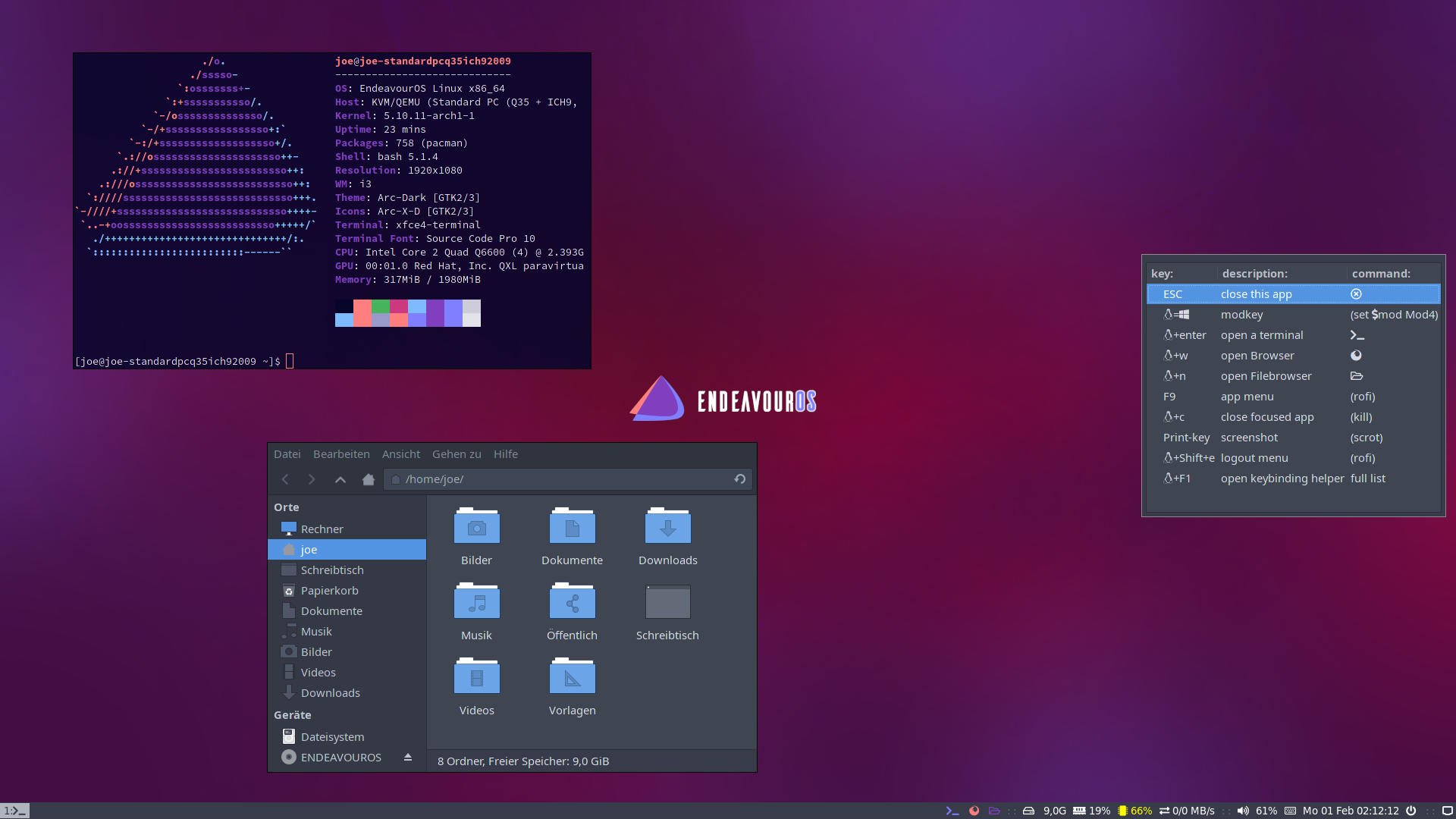
## maintainer: joekamprad ---> setup for i3-wm under [EndeavourOS](https://endeavouros.com) new config 01-2021 <---
|
|
|
|
|
|
|
|
|
|
# Tutorial to install EndeavourOS-i3 setup from scratch
|
|
**for later installs, if you have installed another DE on initial install from the ISO**
|
|
|
|
1. get the dot files
|
|
2. copy files to the right directories (.config of your user):
|
|
3. copy scripts inside ~/.config/i3/scripts must be executable ! [chmod +x] them please ;)
|
|
4. install needed packages
|
|
|
|
`git clone https://github.com/endeavouros-team/endeavouros-i3wm-setup.git`
|
|
|
|
`cd endeavouros-i3wm-setup`
|
|
|
|
`cp -R .config/* ~/.config/`
|
|
|
|
`chmod -R +x ~/.config/i3/scripts` (make scripts executable)
|
|
|
|
`dbus-launch dconf load / < xed.dconf` (setup xed-editor)
|
|
|
|
If you have the old EndeavourOS default i3-setup installed you need to remove .Xresources file
|
|
(old color profile ot used anymore for rofi menus):
|
|
`rm ~.Xresources`
|
|
|
|
# install needed apps and programms for i3wm:
|
|
|
|
`sudo pacman -S --needed - < packages-repository.txt`
|
|
|
|
|
|
|
|
|